 Lèche
Lèche
Install
A round tab appears on the right edge of the screen, halfway down. Drag it wherever you like — the position is remembered on every site.
Chrome extension
Catalogues scroll by themselves and move to the next page. You just watch.
5 CHF once. For life, on every site. No subscription.
Three steps
A round tab appears on the right edge of the screen, halfway down. Drag it wherever you like — the position is remembered on every site.
The catalogue scrolls at the speed you chose. Move the mouse and it stops. Stop moving and it resumes.
At the bottom of the page, Lèche loads more or moves to the next page. Nothing left for you to click.
Thirty seconds
In use
Speed from 15 to 400 pixels per second, pause at the bottom of the page, delay before resuming after the mouse. The panel shows the time left on the current page.
Everything carries over from one site to the next. Set it once and forget it.
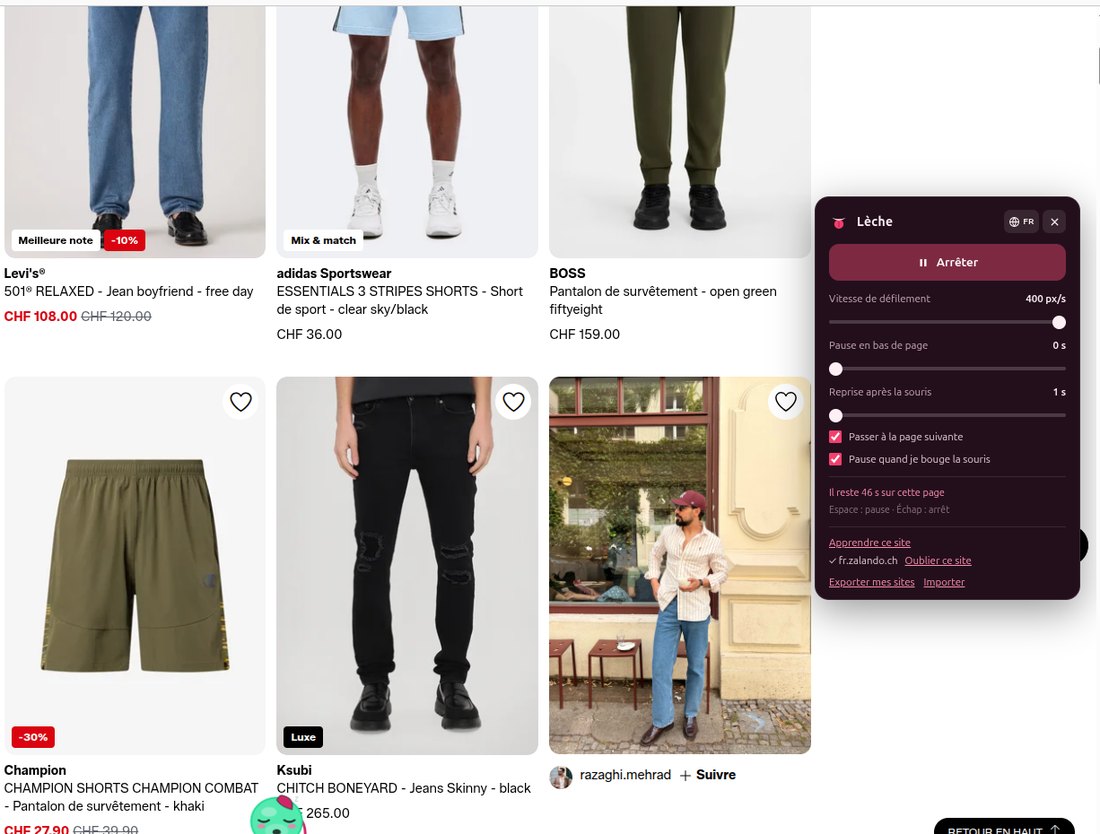
The panel while scrolling.
Collapsed, Lèche is just a round tab. Grab it and drag it wherever you want. It sits halfway down the screen, clear of cookie banners.
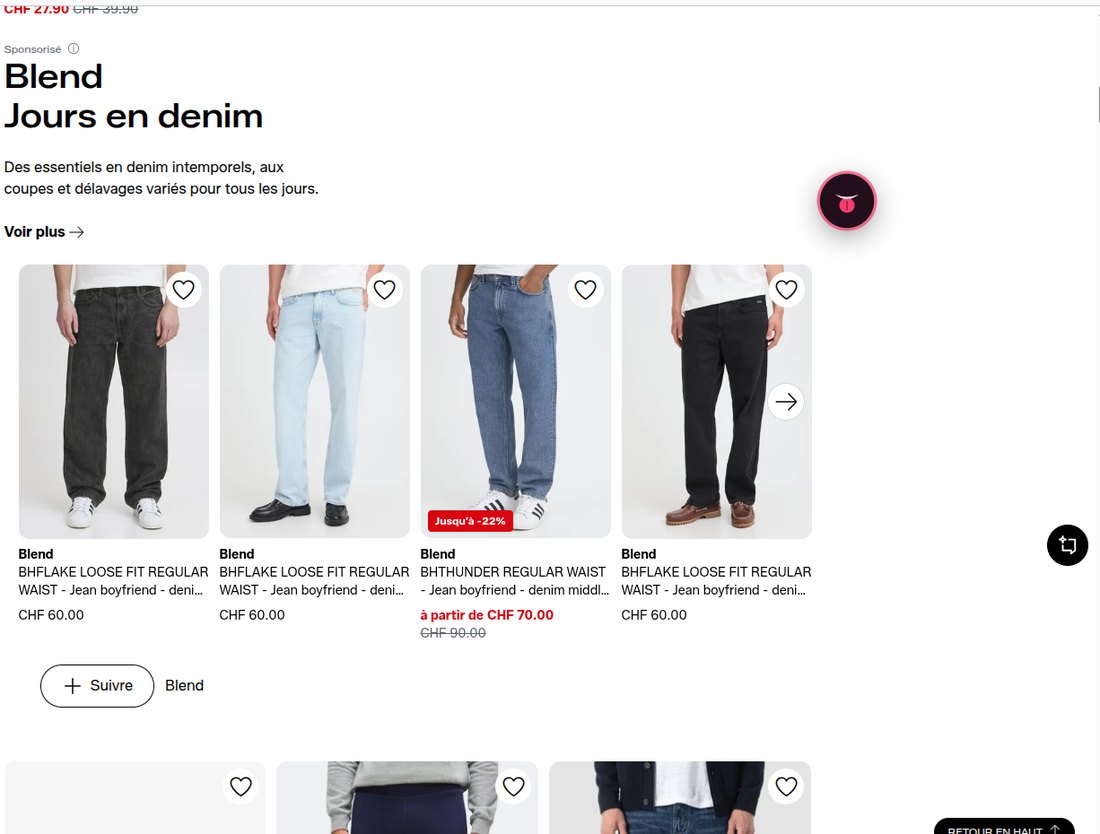
Collapsed, draggable, remembered.
The feature that changes everything
No two shops paginate alike. Lèche recognises the vast majority on its own — and for the rest, you show it.
Click Learn this site in the panel, then click the site's own “next page” button. That's it. The teaching click is never passed on to the shop, so you cannot trigger anything by accident.
Before saving, Test highlights the element it picked and shows where it leads. From then on the site is recognised on every visit, and you can export your learned sites to carry them to another machine.
Lèche stops by itself on checkout flows and sign-in pages. It never clicks a payment button.
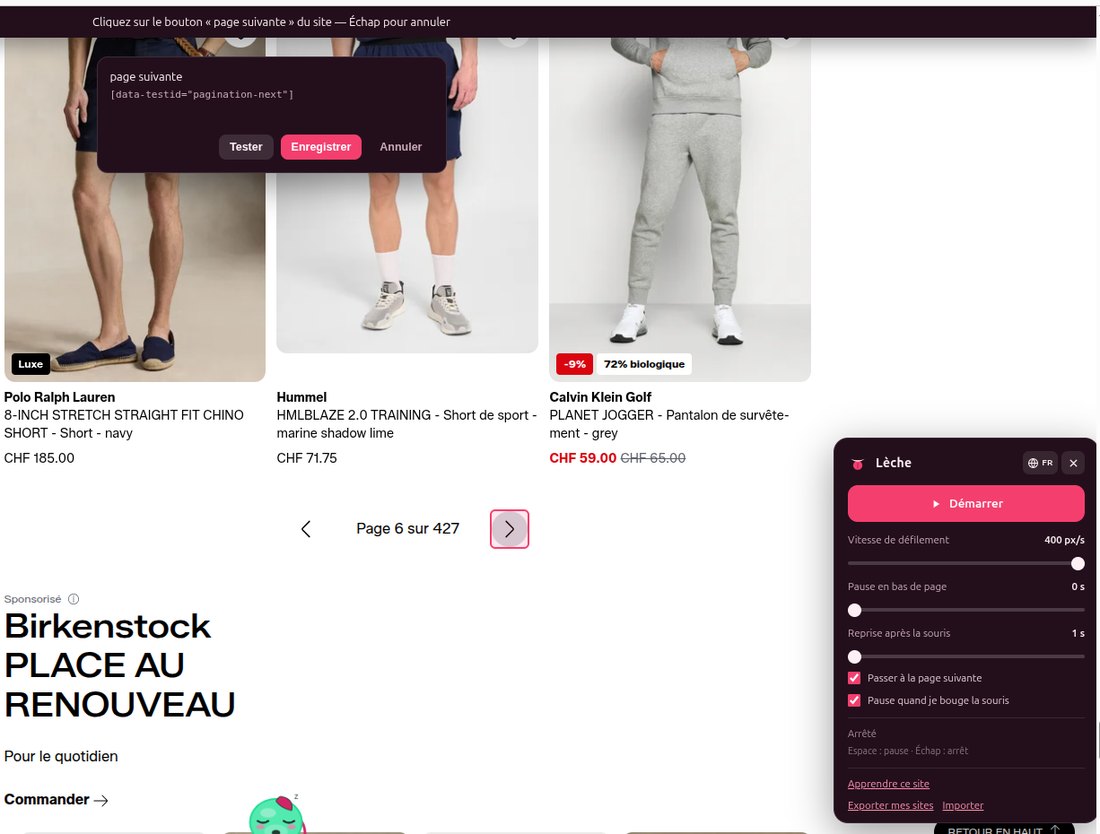
Learning mode: the chosen selector, testable before you save.
Everything else
From 15 to 400 px/s. Adjust on the fly with Alt and the arrow keys.
0 to 15 seconds before moving on, enough to spot an item.
Scrolling stops the moment you move, and resumes after the delay you chose.
Space pauses, Escape stops, Alt + Shift + L starts from anywhere.
Pages that grow on their own and load-more buttons are handled.
French, English, Portuguese, Spanish, Chinese. Follows your browser by default.
Put it anywhere along the edge of the screen. The position applies to every site.
No analytics, no telemetry, no server receiving anything about your browsing.
One price
5 CHF
Questions
Chrome, for now. Other browsers are not officially supported yet.
The vast majority of shops. Infinite scroll and “Load more” buttons are handled natively. Classic pagination is detected automatically. For sites that do it differently, learning mode settles the matter in two clicks, permanently.
The extension collects nothing. Your settings and learned sites stay in your browser. The only personal data processed is your email, at the time of purchase, by our payment provider. Read the privacy policy.
No. Lèche stops on checkout, cart and sign-in pages, and refuses to click any button whose label suggests a payment. The learning-mode click is never passed on to the site.
No. Your licence is tied to your email address, not to the machine. You can also export your learned sites and import them elsewhere.
Yes — 14 days, no questions asked. Write to . See the terms of sale.